Overview
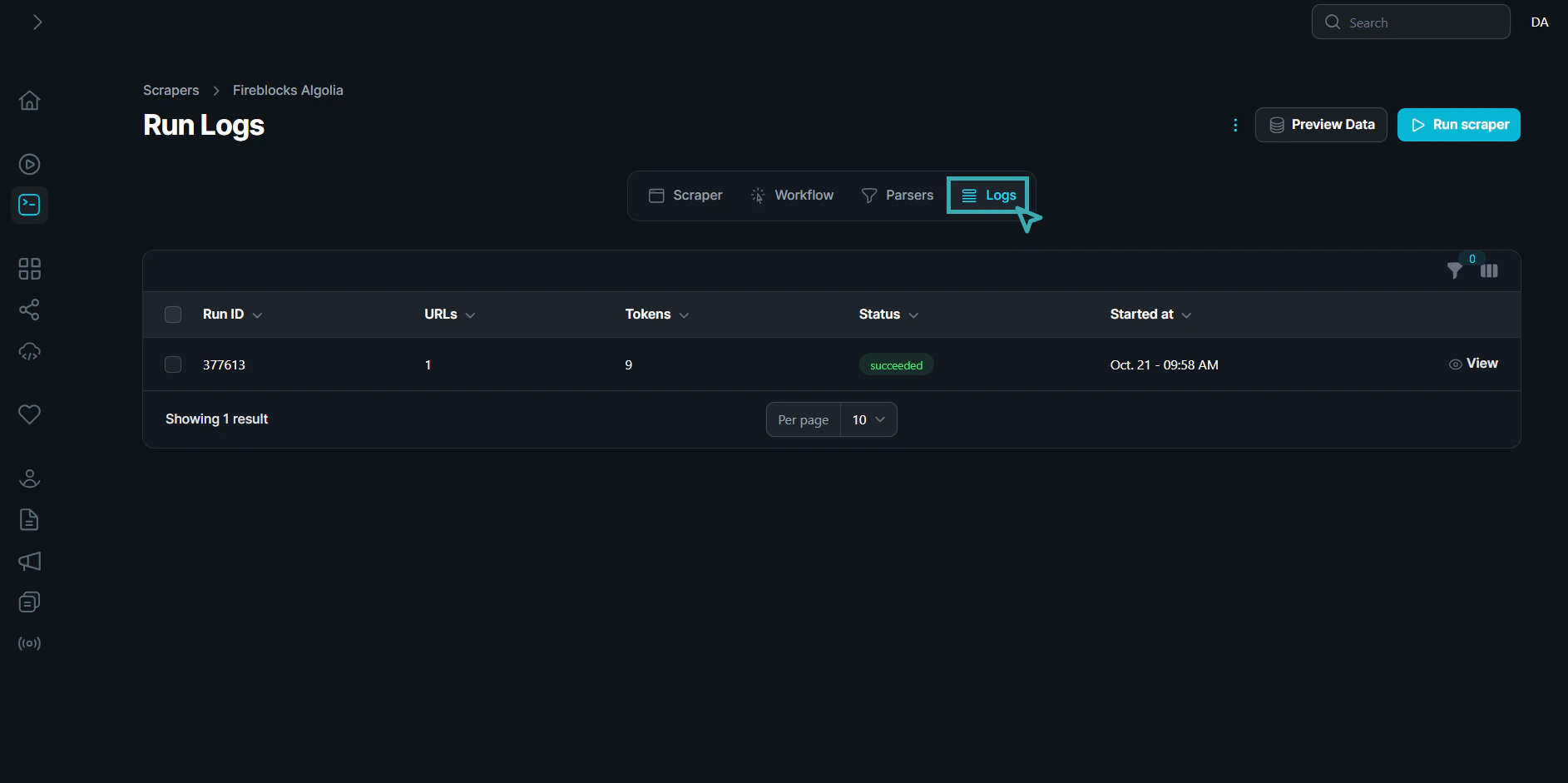
The Run Logs page displays a table that captures the following key details for each scraper execution:| Column | Description |
|---|---|
| Run ID | A unique identifier for each scraper run. This is useful for tracking or referencing specific runs. |
| URLs | The number of URLs that were processed during the run. |
| Tokens | The number of tokens (data points) extracted during the run. |
| Status | The outcome of the run (e.g., succeeded, failed). Successful runs are marked in green. |
| Started at | The timestamp indicating when the run started, formatted as MMM DD - hh:mm AM/PM. |
| Actions | Allows you to view more detailed logs and data by clicking the “View” link next to each run. |
Access Logs
To view the run logs, simply click on the Logs tab in the main navigation. This will display a comprehensive list of all scraper run logs, providing insights into the execution history of each scraper.